Iosnotes
SouthRadios IOS Application – Version 4.8.8
📢 Attention Listeners
Having issues after updating the app?
If you experience any issues after updating the SouthRadios app, please try the following:
Option 1 – Clear Cache
- Open the SouthRadios app.
- Tap the menu on the left side.
- Select Clear Cache.
- Close the app completely and reopen it.
Option 2 – Clear App Data
If the issue continues:
- Go to southradios App - Favourite section - Clear all stations
- Reopen the SouthRadios app and try again.
Please note: Clearing app data may reset your app settings and preferences.
🎵 Radio Stops Playing Frequently?
If the radio stops playing frequently or stops when the app is running in the background, please check your battery and background usage settings.
Disable Lower Power Modeb/ Battery Saving Restrictions
- Open Settings → Apps → SouthRadios.
- Select Battery.
- Set battery usage to Unrestricted.
- Wait a few seconds for the settings to take effect.
Allow Background Data Usage
- Go to Settings → Apps → SouthRadios.
- Select Mobile Data - Opt In
- Make sure Allow background App Refresg is enabled.
Note: Android settings may vary slightly depending on your device manufacturer and Android version.
📻 About Radio Stations
SouthRadios has control over our exclusive SouthRadios and H stations.
We have also listed 650+ third-party online radio stations in the app. These stations are independently operated and do not belong to SouthRadios.
Sometimes, third-party stations may temporarily become unavailable due to:
- Server issues or technical failures
- Power outages
- Internet connection problems
- Maintenance or other issues at the radio station
If you see the message “Station Offline – Report to SouthRadios”, please report the issue to us.
We will do our best to contact the respective radio provider and notify them about the issue. Please understand that we cannot directly control or fix technical problems with third-party stations.
🚀 Version 4.8.8
Released: 5 August 2026 (Australian Eastern Standard Time)
🌟 Most Awaited – 2026 Update
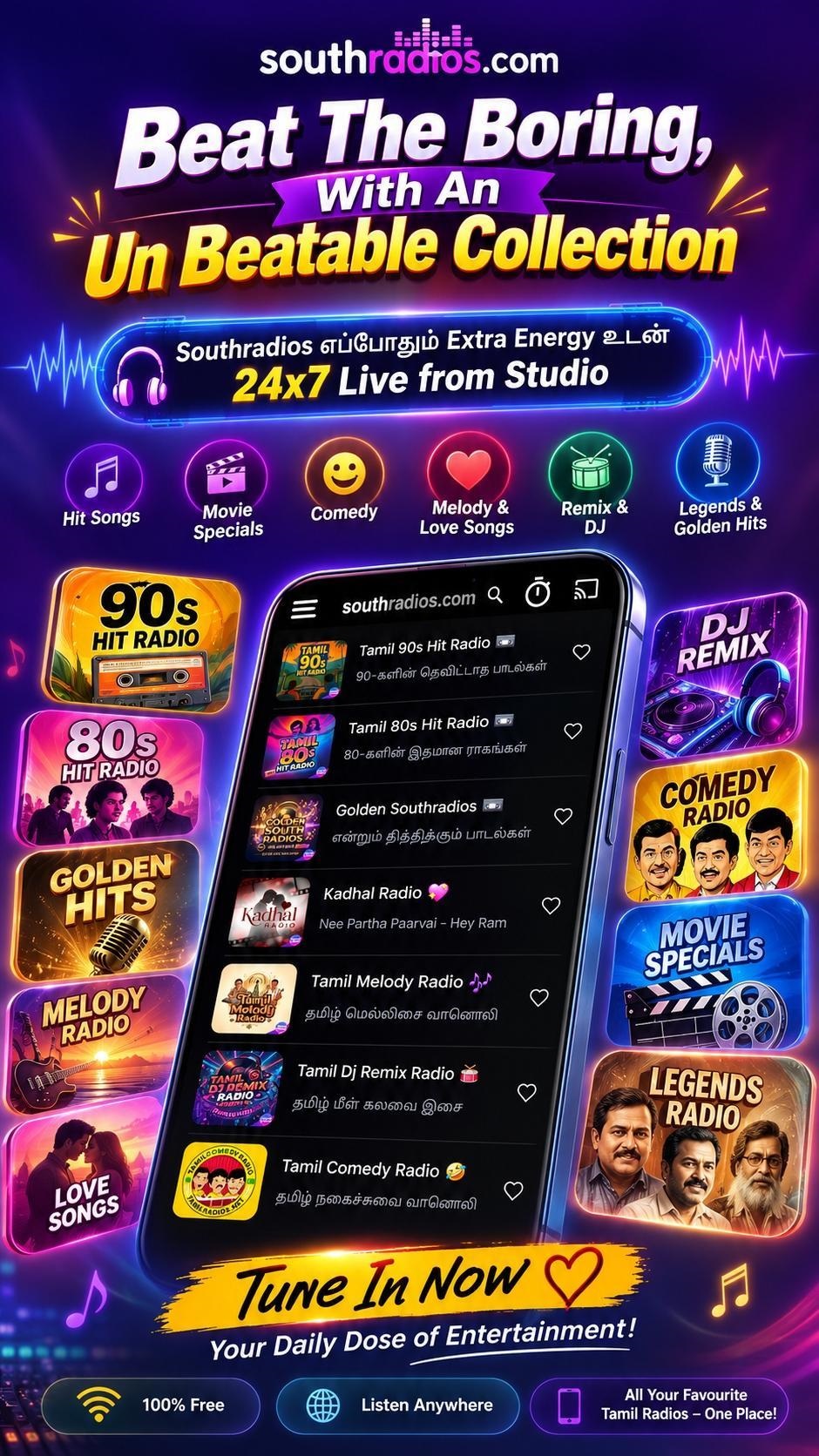
The latest SouthRadios update brings a completely refreshed experience with many new features and improvements.
What's New?
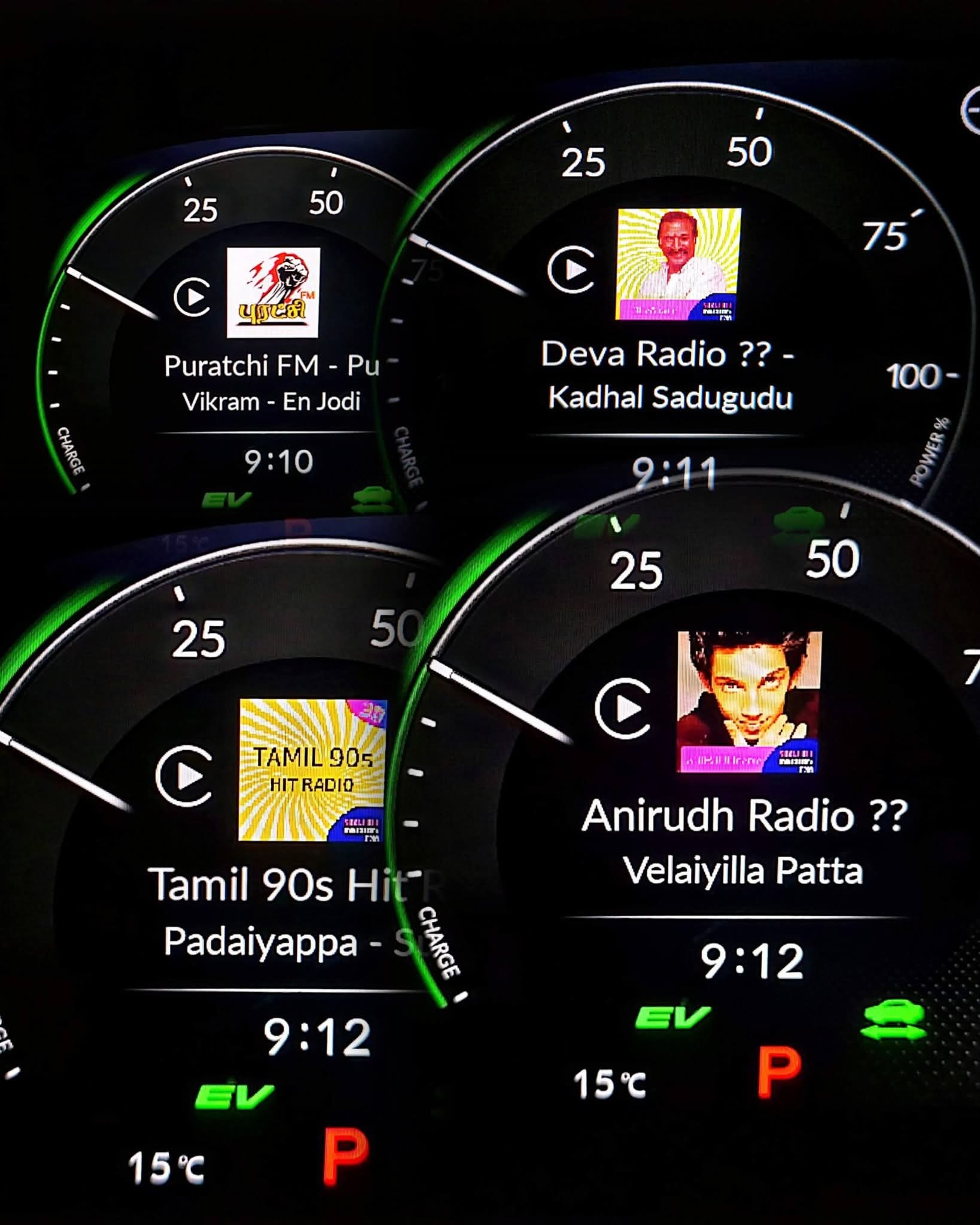
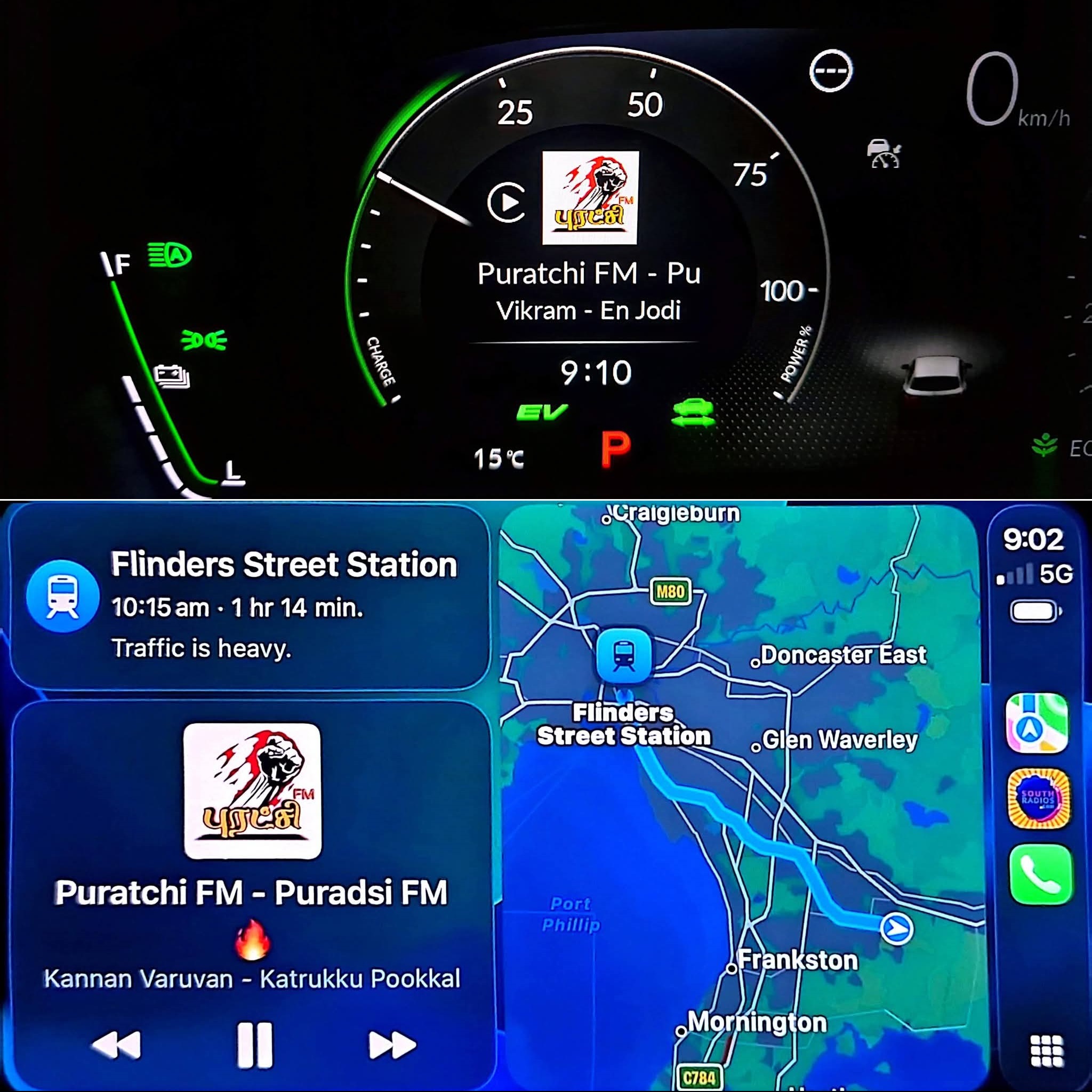
- 🚗 Apple Car Play Support
- 🔐 Updated Privacy Policy – Please take a moment to read and review it.
- 🌍 GDPR and California Consumer Privacy Act (CCPA) updates
- 🎨 Completely redesigned layout for a better user experience
- ⚡ App loading issues fixed
- 🎙️ Updated Podcast tab layout
- 📱 Easy-access menu bar moved from the top to the bottom
- 🛠️ Service Desk & Support – Send feedback and receive quicker assistance
- 🆕 New category for the latest station directory updates
- ✨ And many more exciting improvements!
What are you waiting for? Start exploring the new SouthRadios experience today!
📲 How to Update the SouthRadios App
Updating is easy:
- Close the SouthRadios app.
- Open the App Store
- Search for SouthRadios.
- Tap Update.
🔐 Privacy Policy
Please take a moment to read and review our updated Privacy Policy.
[Read and Review Privacy Policy]
🎥 Learn More About SouthRadios
App தொடர்பான புதிய தொழில்நுட்பங்களை அறிந்திட இந்த வீடியோவை பாருங்கள்.
⭐ Your Feedback Matters
Please don't forget to share your valuable feedback through the Rate & Review option on Google Play Store.
Your feedback helps us improve SouthRadios and provide you with a better listening experience.
Thank you so much for your continued support!
உங்கள் மதிப்பாய்வைப் பகிர்வதன் மூலம் உங்கள் மதிப்புமிக்க கருத்துக்களை எங்களுடன் பகிர்ந்துகொள்ளுங்கள். உங்கள் ஆதரவுக்கும் தொடர்ந்த அன்புக்கும் மிக்க நன்றி.

